GAMES 6320 · Course write-ups
Game Engineering II
C++ 引擎课程的每周作业记录。从一个 Direct3D / OpenGL 双平台的教学引擎出发,把硬编码的三角形一步步变成由资产管线构建、从 Maya 导出、经相机渲染的场景。每篇都附可下载的 Release 构建。
- Course
- GAMES 6320 · Game Engineering II
- Term
- Fall 2026 · University of Utah EAE
- Stack
- C++ · Direct3D · OpenGL · HLSL / GLSL · Lua · Maya
- Essays
- 11 published · latest 2026.11.10
 Latest
Engine System · Update #2
Engine System update: the state machine run time, debug output and a guard demo
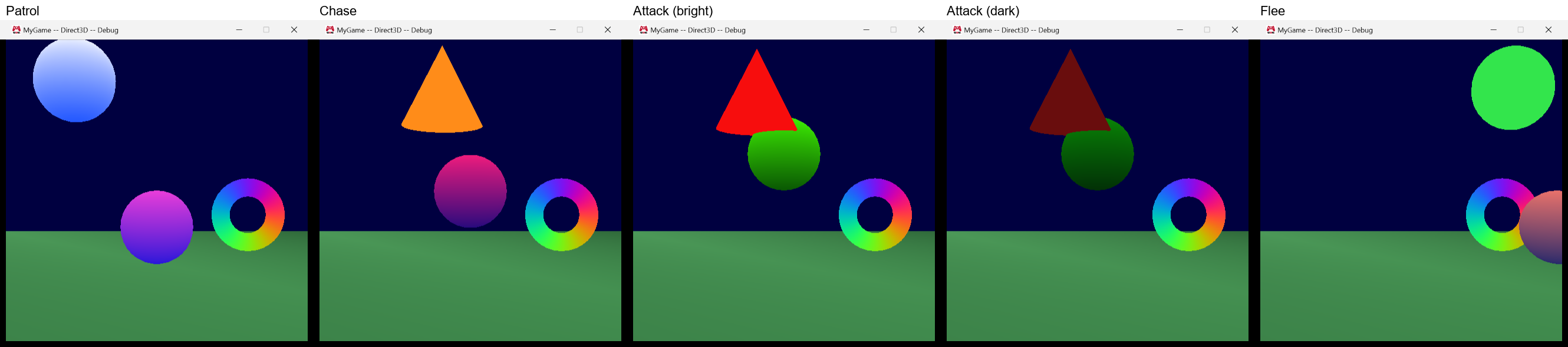
Each agent now owns a small state machine that checks transitions once per simulation update and calls enter, update and exit callbacks. A guard in MyGame patrols, chases, attacks and flees, and every state change is logged.
Read the write-up
All assignments
-
U2
Engine System update: the state machine run time, debug output and a guard demo
Each agent now owns a small state machine that checks transitions once per simulation update and calls enter, update and exit callbacks. A guard in MyGame patrols, chases, attacks and flees, and every state change is logged.
-
U1
Engine System update: the .fsm format, a validating builder and binary loading
The state machine file format is final, the builder checks it and reports errors with line numbers, and the game loads the binary file into a shared definition.
-
ES
Engine System proposal: data-driven AI state machines
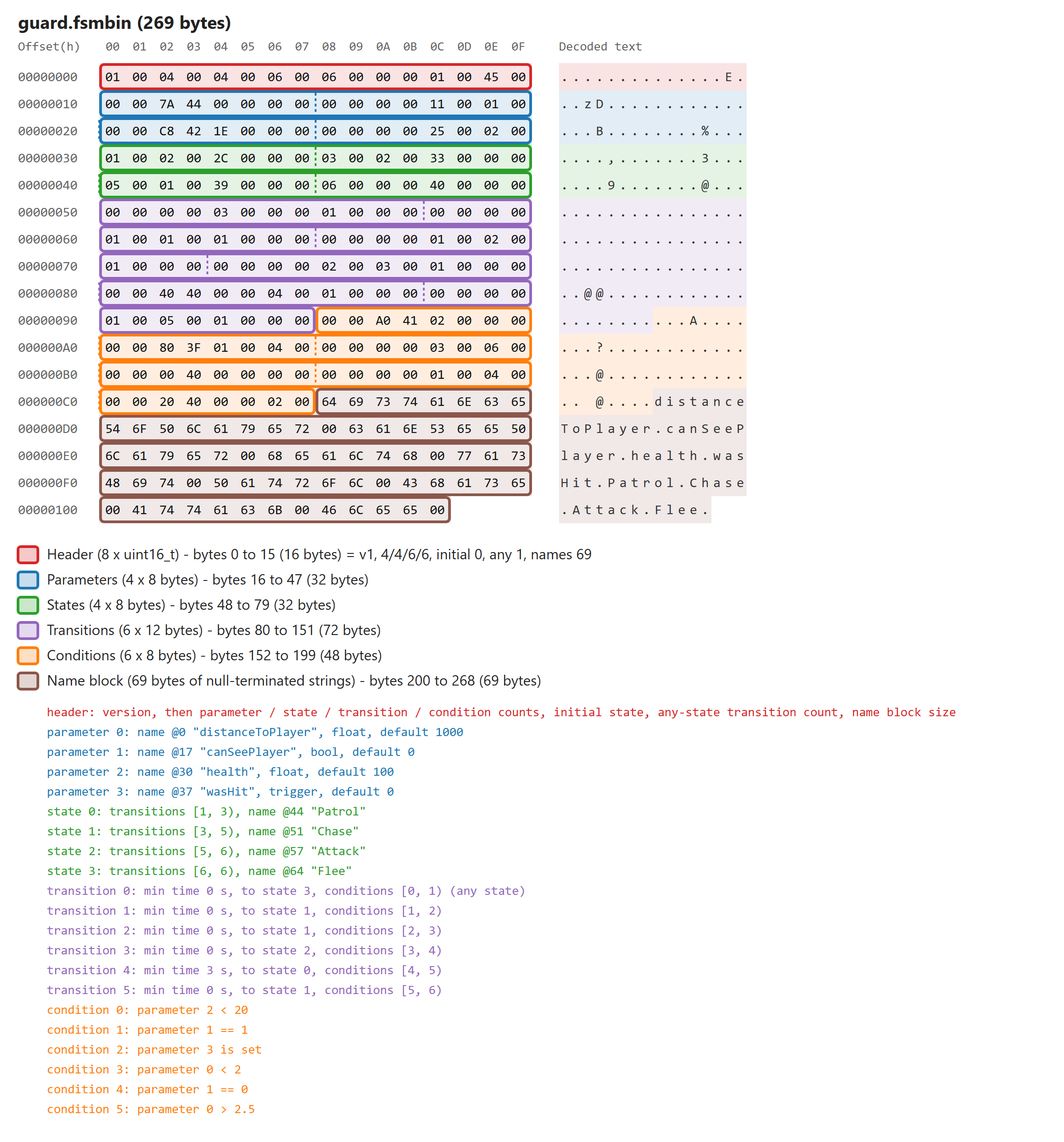
A static library for finite state machines in game AI: states, transitions and conditions in Lua, a builder that makes binary files, and a small run-time API.
-
08
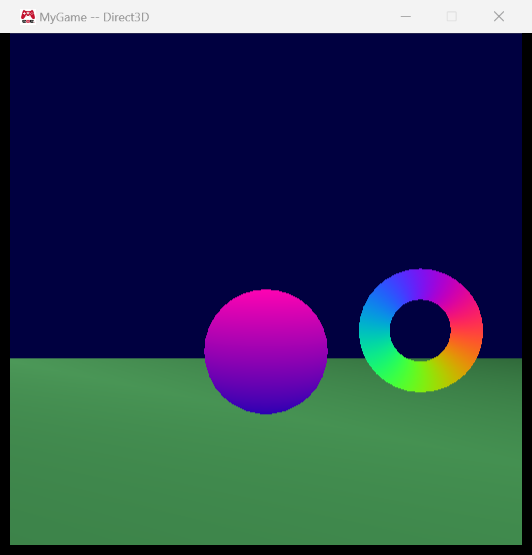
Binary mesh files built by MeshBuilder
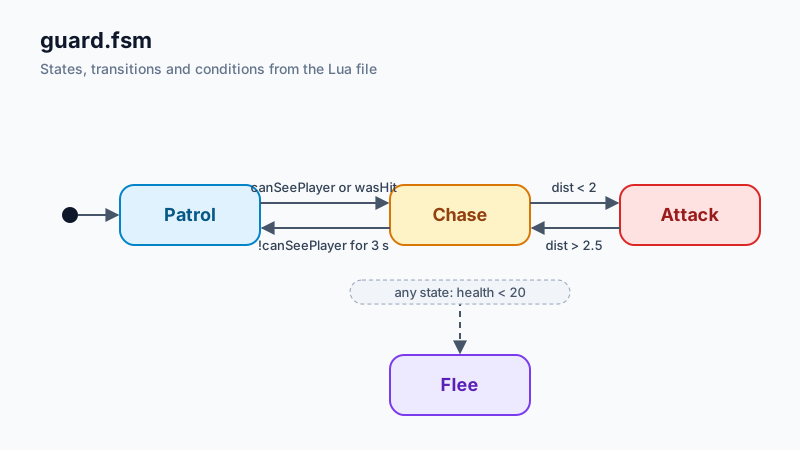
MeshBuilder now writes binary mesh files, and the game loads them with four extractions and no parsing.
-
07
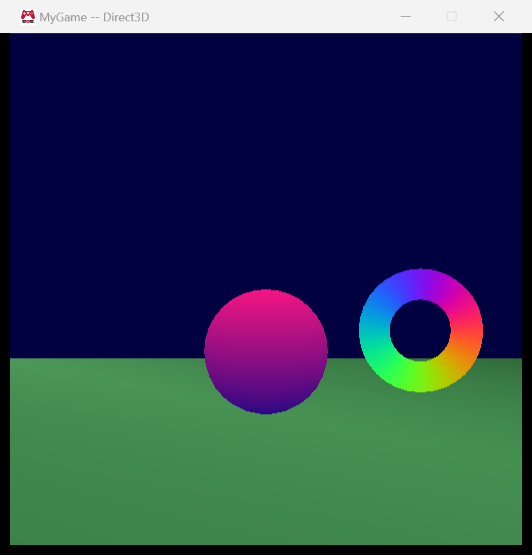
A Maya exporter, depth buffering, vertex colors
A Maya mesh exporter plug-in, meshes made in Maya, depth buffering, and vertex colors.
-
06
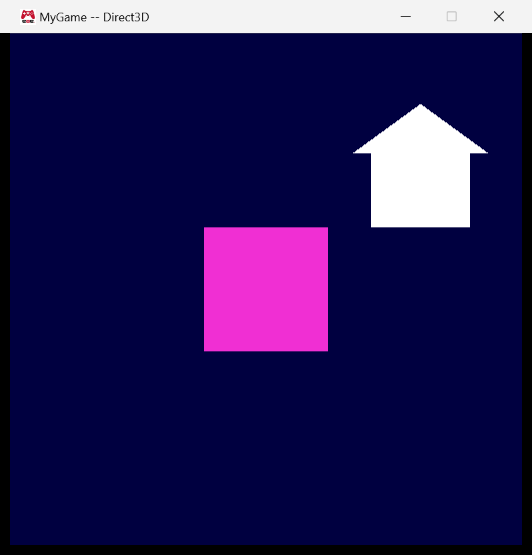
A human-readable mesh format and a MeshBuilder
A human-readable mesh file format, a MeshBuilder tool, and loading meshes from disk.
-
05
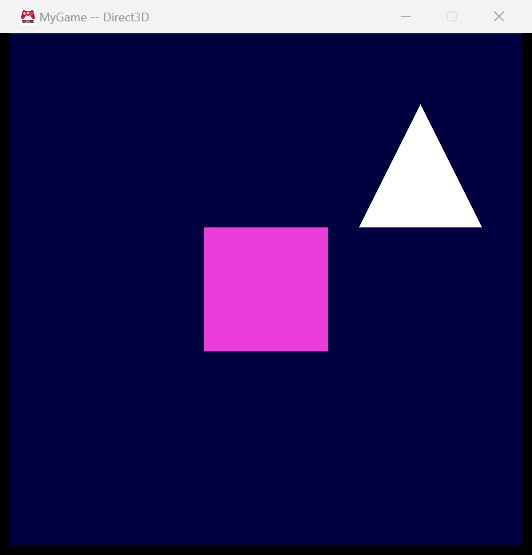
Cameras, game objects, platform-independent shaders
Cameras, game objects, and platform-independent shaders. The engine gets an actual world — meshes are authored in local space and placed by a local-to-world transform, a camera supplies world-to-camera and camera-to-projected matrices, and the game tracks game objects with a position and velocity. Shaders are also rewritten so that almost everything in them is written once for both HLSL and GLSL.
-
04
Reference-counted assets and render submission
Assignment 03 introduced cMesh/cEffect abstractions and a platform-independent Graphics.cpp. Assignment 04 turns cMesh and cEffect into reference-counted assets, adds SubmitMeshWithEffect / SubmitClearColor submission interfaces, and moves mesh/effect ownership from the Graphics project to the MyGame project.

-
03
Removing per-platform Graphics files; index buffers
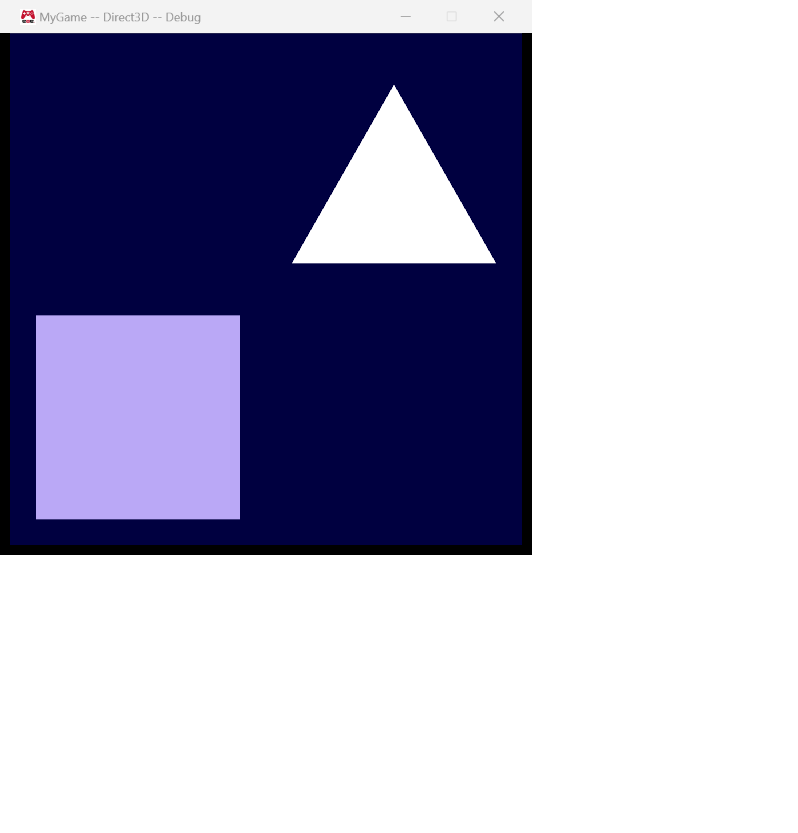
Assignment 02 introduced cMesh and cEffect but still had platform-specific Graphics.d3d.cpp and Graphics.gl.cpp files. Assignment 03 removes those two files completely by moving the remaining platform-specific frame work behind a small sContext abstraction. It also adds uint16_t index buffers to cMesh, makes both cMesh and cEffect initialize from caller-provided data, and renders two objects with two effects.
-
02
Platform-independent mesh and effect interfaces
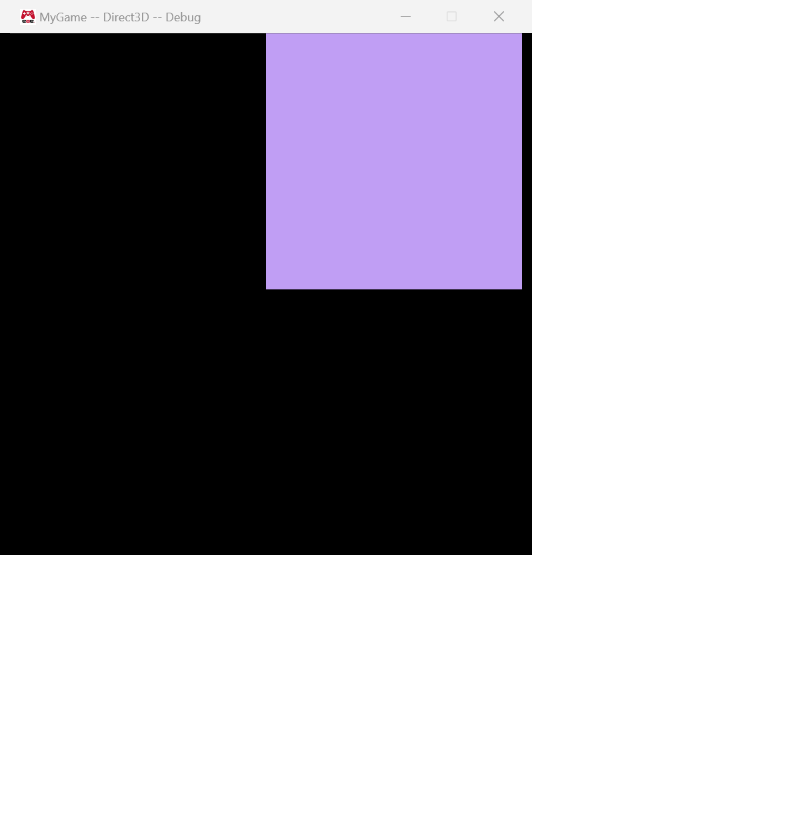
Assignment 01 hard-coded all of the geometry and shading into the platform-specific Graphics.d3d.cpp and Graphics.gl.cpp files. Assignment 02 is about separating what from how: introduce a platform-independent cMesh (geometry) and cEffect (shading) interface, replace the hard-coded data in both renderers with instances of those abstractions, and add a second triangle so the two triangles together render a filled rectangle.
-
01
Graphics library, a second game project, the asset build
The assignment starts from a provided EAE6320-style engine and asks you to do a handful of things that sound small but expose a lot of how the engine is put together: introduce a new Graphics static library, split platform-specific rendering code correctly, create a second game project (MyGame) alongside the example game, hook up the asset build pipeline, and then make that game do something visible - an animated triangle - with a game-specific shader.